
Prepare the technical picture
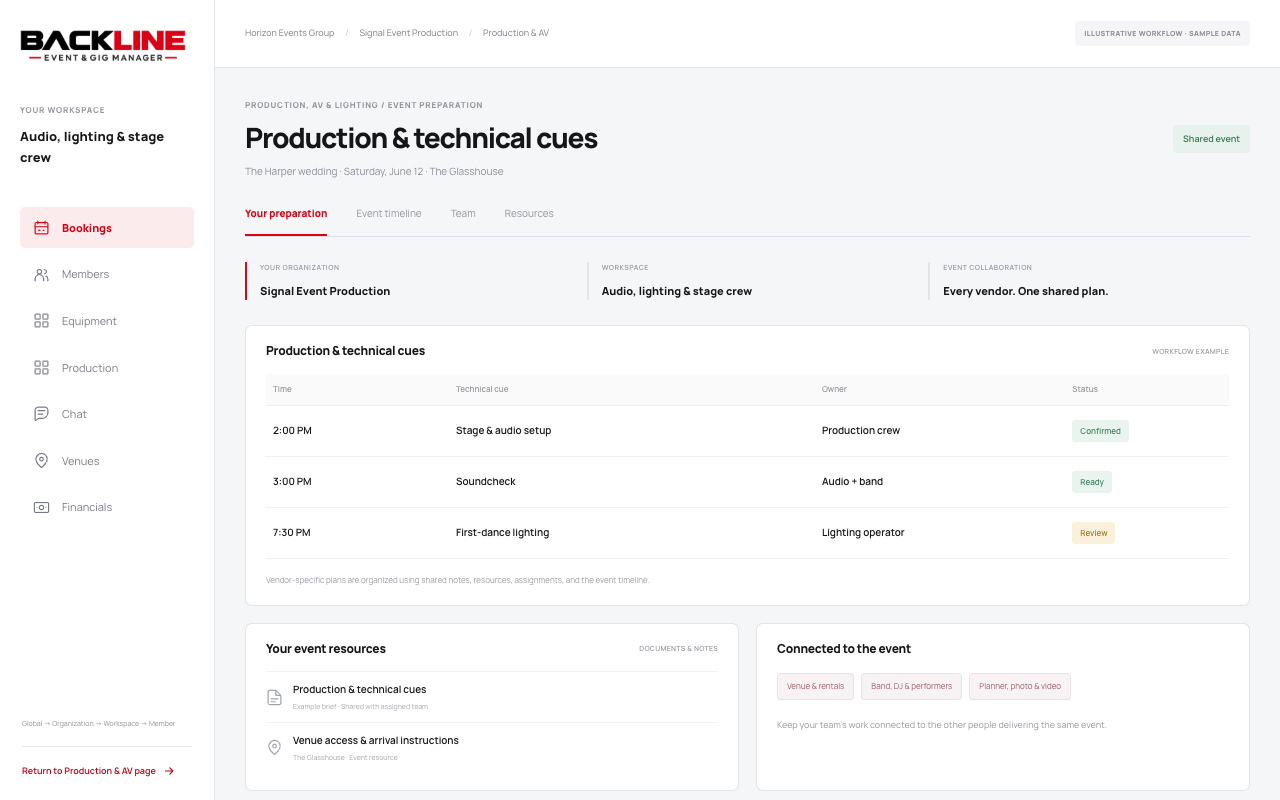
Keep equipment packages, stage plots, setup resources, access details, and production notes close to the event.
BACKLINE FOR PRODUCTION, AV & LIGHTING
Keep the technical team, equipment details, production resources, and running order connected to the event they support.
BookingsMembersEquipmentProductionChatVenuesFinancials
BUILT AROUND YOUR PART OF THE EVENT
Use bookings, teams, calendars, communication, and resources for the work your business needs to do.
Keep equipment packages, stage plots, setup resources, access details, and production notes close to the event.
Organize crew responsibilities and timing for load-in, setup, testing, show operation, and load-out.
Connect lighting, microphones, playback, and stage transitions to the planner, venue, performers, and capture teams.
A production lead checks the stage plot, confirms soundcheck with the band, and aligns the first-dance lighting cue with the DJ, planner, and video team.
YOUR TEAM IS PART OF A BIGGER TEAM
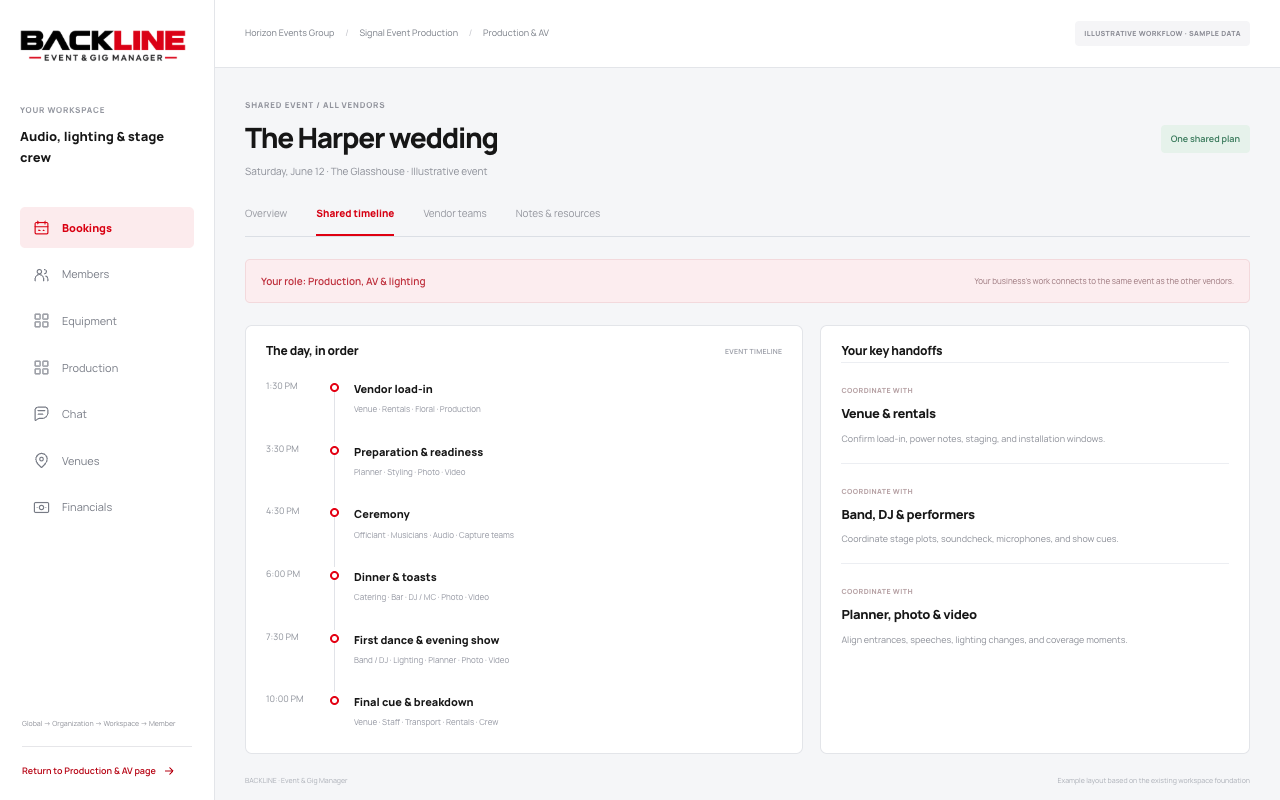
Work in your own business’s workspace and coordinate through the shared event. The event’s timeline, contacts, notes, resources, and conversations connect the people involved.
Confirm load-in, power notes, staging, and installation windows.
Coordinate stage plots, soundcheck, microphones, and show cues.
Align entrances, speeches, lighting changes, and coverage moments.
ONE ESTABLISHED HIERARCHY
The foundation remains Global → Organization → Band/workspace → Member. For production & av, the workspace represents your service team. Its people and tools sit within your organization.
Event participation connects you to other vendors through assigned access. It gives the shared work a home while each business keeps its own structure.
See how the hierarchy works The names in this hierarchy are illustrative examples.ONE EVENT. EVERY VENDOR. WORKING TOGETHER.
Existing members can sign in to their workspace.